
That Email Looks Legit — But Is It?

Phishing Doesn't Always Look Suspicious
Most people know not to trust an email promising millions of dollars from a stranger overseas. The problem is that modern phishing attacks don’t always look like spam.
A malicious email might appear to come from Microsoft asking an employee to sign back into their account. It might look like a vendor sending an updated invoice, a manager requesting an urgent payment, or a familiar service asking someone to review a document. The logo can look right, the language can sound professional, and the message may even appear to fit into a normal workday.
That is exactly what makes these attacks dangerous.
Slow Down and Verify
Before clicking a link, opening an unexpected attachment, entering a password, or approving a financial request, employees should take a moment to verify what they are being asked to do.
Look carefully at the sender’s actual email address, not just the displayed name. Be cautious when a message creates unusual urgency or asks for passwords, payments, account changes or sensitive information. Instead of using a link in a questionable email, open the company’s website or application directly.
For unusual financial or account requests, verification should happen through a second trusted method. If an email supposedly from a vendor says its banking information has changed, for example, call a known contact using a number you already have—not a phone number provided in the suspicious message.
Multi-factor authentication also adds an important layer of protection. A stolen password is much less useful when an attacker still needs another form of verification to access the account.
Why It Matters
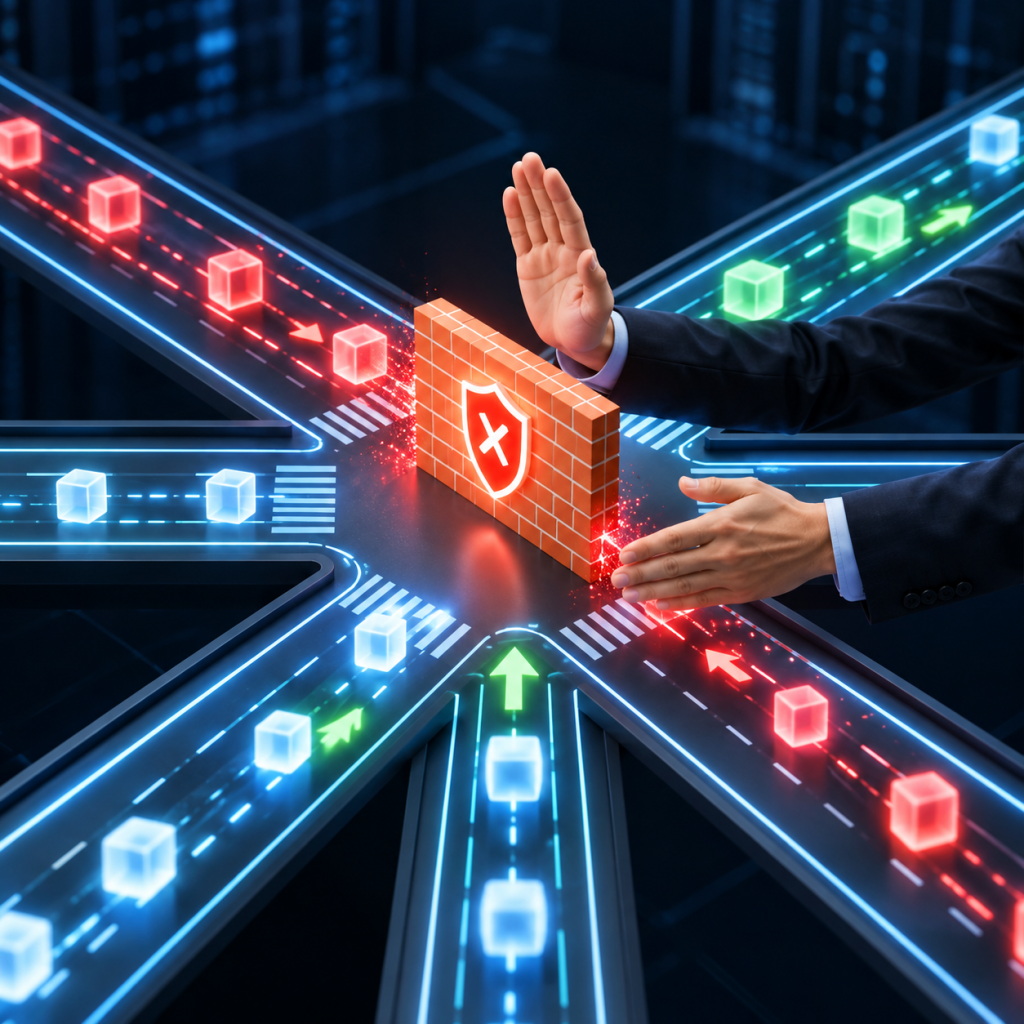
A business can have a properly configured firewall, secure Wi-Fi and updated computers and still be compromised because an employee was convinced to open the door.
Phishing targets people rather than just technology. Once credentials are stolen, an attacker may be able to access email, cloud files and other business systems while appearing to be a legitimate user. In some cases, a compromised business email account can even be used to send convincing messages to customers, vendors or other employees.
Security therefore isn’t only about stopping malicious traffic at the edge of the network. It also means making it harder for an attacker to convince someone inside the business to give them access.
How IT Solutions LV Can Help
IT Solutions LV helps businesses strengthen the technology they rely on through secure network configuration, user-access reviews, Microsoft 365 support, troubleshooting and practical security improvements.
The goal isn’t to make employees afraid of every email they receive. It’s to put the right protections in place and help businesses recognize when something doesn’t look right before one click becomes a much larger problem.