

Microsoft 365 Is Becoming More AI-Driven — What Does That Mean for Your Business Data?
What Changed?
Microsoft is pushing Copilot further into the everyday Microsoft 365 experience. In its September 25 announcement, Microsoft described a redesigned Copilot built around Home, Code and Autopilot, with Word, Excel and PowerPoint integrated directly into Copilot. Autopilot is designed to keep working on delegated tasks even when the user is away from the computer.
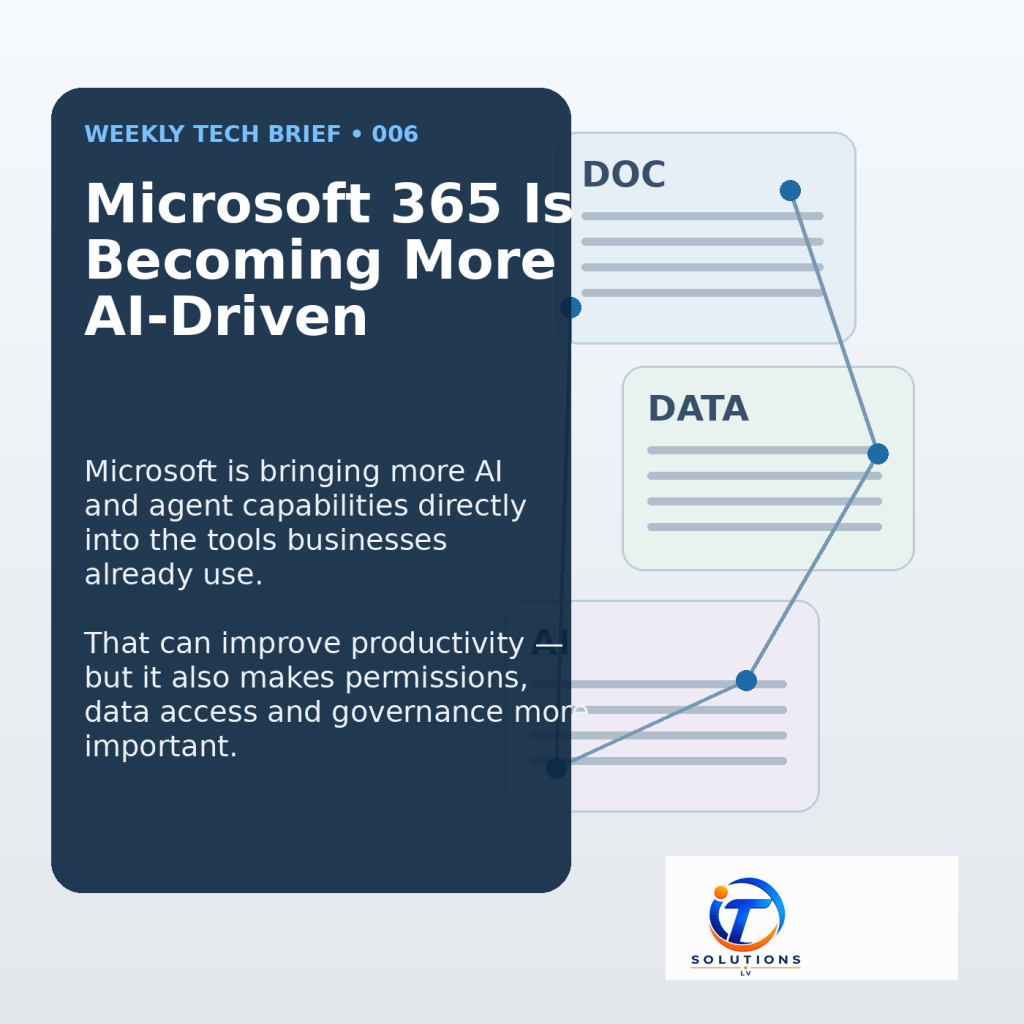
For businesses, the bigger story is not simply that AI can create a document or help with a spreadsheet. Microsoft is moving toward AI tools and agents that can work across the same organizational information, applications and workflows employees already use.
Who It Affects
Any organization using Microsoft 365 should pay attention as Copilot and agent capabilities expand. The impact will vary by licensing and which features a business chooses to enable, but the underlying issue is the same: AI becomes more useful when it can work with business information — and that makes existing permissions and data access more important.
What Businesses Should Check
Before expanding AI use inside Microsoft 365, businesses should review who can access sensitive files, whether SharePoint and OneDrive permissions are broader than intended, how privileged accounts are controlled, and what governance policies are already in place.
Microsoft’s current Copilot security guidance emphasizes data security, AI security, compliance and privacy. Microsoft also recommends controls such as least-privilege access, sensitivity labels, data-loss-prevention policies, auditing and oversight of agent identities where appropriate.
Microsoft’s September security update also highlights controls designed to stop sensitive information from being sent to unsanctioned AI services. That is an important reminder that the AI discussion is not only about what Copilot can do — it is also about where business data is allowed to go.
Why It Matters
AI can make Microsoft 365 more useful, but it can also expose weaknesses that already existed. If an employee has access to information they should not have, or a SharePoint site is overshared, an AI assistant that works on that user’s behalf can make those permission problems more visible and more consequential.
The practical takeaway is not to avoid AI. It is to make sure identity, permissions and data governance keep pace with the tools being introduced. As Microsoft 365 becomes more AI-driven, knowing who can access what becomes part of basic IT security.
How IT Solutions LV Can Help
IT Solutions LV helps businesses review and improve the technology environments they rely on, including user access, network security, Microsoft 365 support and general IT troubleshooting. New tools are most useful when the underlying environment is organized, secure and understood.